Manufacturing tolerances explained: what ±0.05 mm means and what each process can hold
Quick answer
A tolerance is how far a real dimension may vary from the size in your CAD file. ±0.05 mm on a 20 mm feature means any size from 19.95 to 20.05 mm is acceptable. At MakeNow, CNC machining holds ±0.05 mm as standard and ±0.02 mm on request, laser-cut sheet metal holds ±0.1 mm with bends at ±1°, SLA prints hold about ±0.2% (min ±0.1 mm), and FDM about ±0.5% (min ±0.5 mm). Ask for tighter tolerances only on features that fit or seal against something.
Get a price for your own file →What does a tolerance like ±0.05 mm actually mean?
No machine makes a part exactly the size in your CAD file. There is always a small variation from tool wear, temperature, material behavior and measurement. A tolerance tells the manufacturer how much variation you can accept.
Written as 20 ±0.05 mm, the feature passes inspection anywhere between 19.95 mm and 20.05 mm. The total band is 0.1 mm wide. For scale, 0.05 mm is about half the thickness of a sheet of paper.
Tolerances do not have to be symmetrical. A hole for a pin might be written 10 +0.05 / 0, which means it may be up to 0.05 mm larger but never smaller. That form is useful when only one direction causes a problem.
What tolerances can each manufacturing process hold?
Every process has a natural accuracy. Asking for less than that is free; asking for more costs extra time, inspection, or a different process. These are MakeNow's typical tolerances.
| Process | Typical tolerance | Example on a 100 mm feature |
|---|---|---|
| CNC milling | ±0.05 mm standard, ±0.02 mm on request | 99.95 – 100.05 mm |
| CNC turning | ±0.05 mm | 99.95 – 100.05 mm |
| Sheet metal laser cutting | ±0.1 mm | 99.9 – 100.1 mm |
| Sheet metal bending | ±1° on angles | 89° – 91° on a 90° bend |
| SLA / DLP resin | ±0.2% (min ±0.1 mm) | ±0.2 mm |
| PolyJet | ±0.1 mm | ±0.1 mm |
| MJF nylon | ±0.3% (min ±0.2 mm) | ±0.3 mm |
| SLS nylon | ±0.3% (min ±0.3 mm) | ±0.3 mm |
| FDM | ±0.5% (min ±0.5 mm) | ±0.5 mm |
| DMLS / SLM metal | ±0.1 mm + 0.005 mm/mm | ±0.6 mm |
Note how 3D printing tolerances are given as a percentage with a minimum. On a small 10 mm feature, the minimum applies: an SLA part would be about ±0.1 mm, not ±0.02 mm. On a large 200 mm part, the percentage applies: an SLA part would be about ±0.4 mm.
Why do some processes hold tighter tolerances than others?
It comes down to how the material is shaped. A CNC machine removes material with a rigid cutting tool that follows a precise path, from a block that does not change shape much while it is cut. That is why CNC machining is the reference for tight fits.
3D printing builds the part layer by layer, often with heat. Plastic shrinks as it cools, and resin shrinks as it cures, so the final size moves a little. Larger parts move more, which is why print tolerances scale with size.
Sheet metal combines two steps. Laser cutting is very accurate, but bending adds springback, as the metal tries to return slightly after it is bent. The result is tight dimensions on flat features and a little more variation across bends. Our sheet metal design guide explains how to place critical holes to avoid that.
Is tolerance the same as precision or surface finish?
No, and mixing them up leads to the wrong request. Tolerance is the allowed size range for a feature. Accuracy is how close parts land to the nominal size on average, and repeatability is how similar parts in a batch are to each other. A process can be repeatable but slightly off-size, which is easy to correct, or accurate on average but scattered, which is harder.
Surface finish is something else again: it describes how rough a surface is, usually as an Ra value. As-machined CNC surfaces at MakeNow are around Ra 1.6 µm. A surface can be smooth and still out of tolerance, or rough and still within it.
Geometric tolerances add one more layer. Flatness, straightness, perpendicularity and position describe shape and location, not just size. A plate can be exactly 10 mm thick and still not be flat. If flatness or position matters for your part, say so on the drawing; a size tolerance alone does not control it.
Finishes also affect size. Anodizing and powder coating add a thin layer to every surface, so tight bores are often masked or machined after finishing. Mention it when it matters.
When should I ask for tighter tolerances?
Only where the part needs them. In practice, most features on most parts are fine at the standard tolerance. Tight tolerances belong on a few functional features:
- Bearing seats and press fits, where a shaft or bearing must sit firmly.
- Sliding fits, such as a pin moving in a bore or a piston in a cylinder.
- Sealing faces that hold an O-ring or gasket.
- Alignment features, such as dowel holes that locate one part on another.
Outer edges, cosmetic surfaces, pockets that only remove weight and clearance holes for screws usually do not need anything special. A common mistake is putting ±0.01 mm in the title block for the whole drawing. That forces every feature to be machined and inspected to the tightest level, and the price goes up for no benefit.
How do I specify tolerances on my order?
Your CAD file gives the nominal shape. Tolerances live on a drawing. A simple approach that works well:
- Upload a STEP file so every feature has an exact size. See STL vs STEP for why mesh files are a poor base for tight tolerances.
- Add a 2D drawing (PDF) that marks only the critical dimensions with their tolerance.
- State a general tolerance for everything else, for example ISO 2768-m, a common standard for machined parts.
- Use standard fits for holes and shafts, such as H7 for a hole that takes a bearing or dowel. Machinists know these codes well.
- Mention threads and surface finish in notes, since they are not visible in the 3D model.
If you are unsure what a feature needs, describe its function. An engineer can suggest a sensible tolerance before you order.
How do tolerances add up in an assembly?
When several parts stack together, their variations add up. This is called tolerance stack-up. Three plates of 10 ±0.1 mm stacked together can measure anywhere from 29.7 to 30.3 mm.
In practice, design so that each critical relationship depends on as few dimensions as possible. Measure holes from one common reference edge or datum rather than chaining one dimension from the next. Add clearance where parts only need to fit, not locate. And where one part must locate another accurately, use a single tight feature, such as two dowel holes, instead of tightening everything.
For printed parts, leave clearance larger than the process tolerance. Our 3D printing design guide lists the gaps that work for each technology.
How do tolerances affect cost?
Standard tolerances are included in the instant price. Tighter tolerances cost more because they need slower cutting, extra finishing passes, more careful setup and more inspection. Picking the right process is the biggest lever: if a printed part cannot hold your tolerance, a machined part may be cheaper overall than printing and then reworking.
As a reference, CNC aluminum starts from $25 per part, stainless from $40, and SLA printing from $8. These real sample parts show typical prices for machined and printed parts:
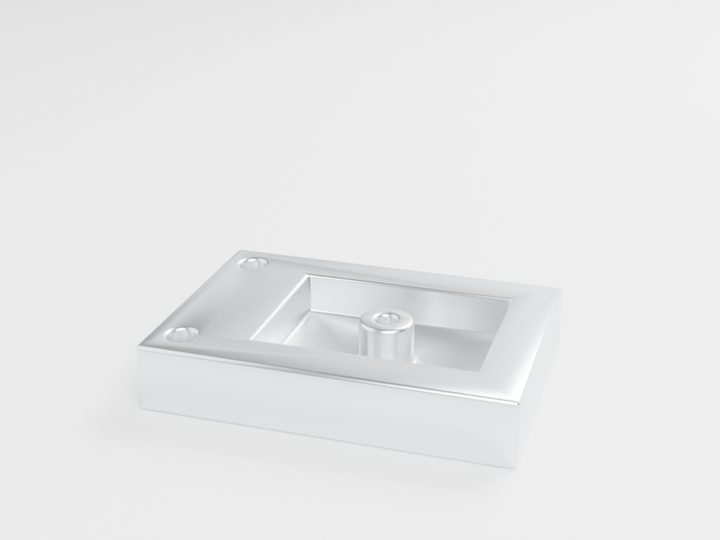
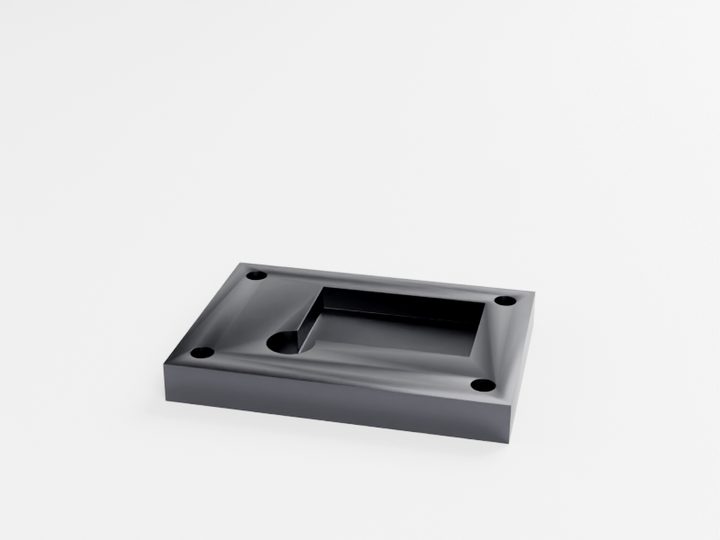
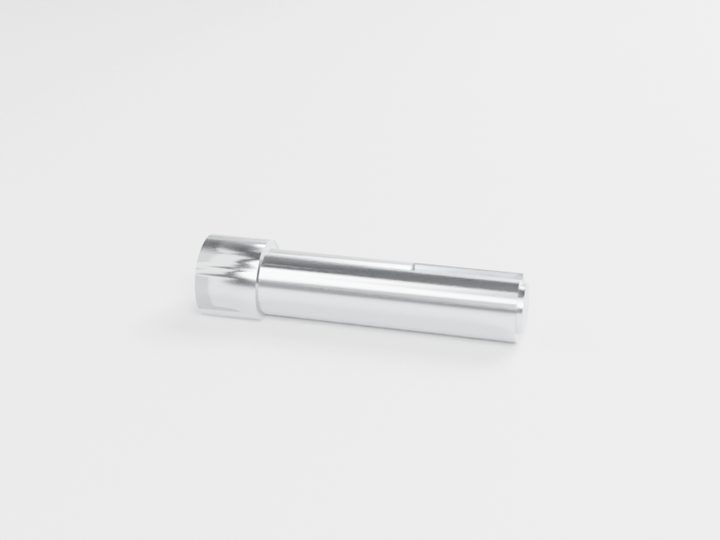
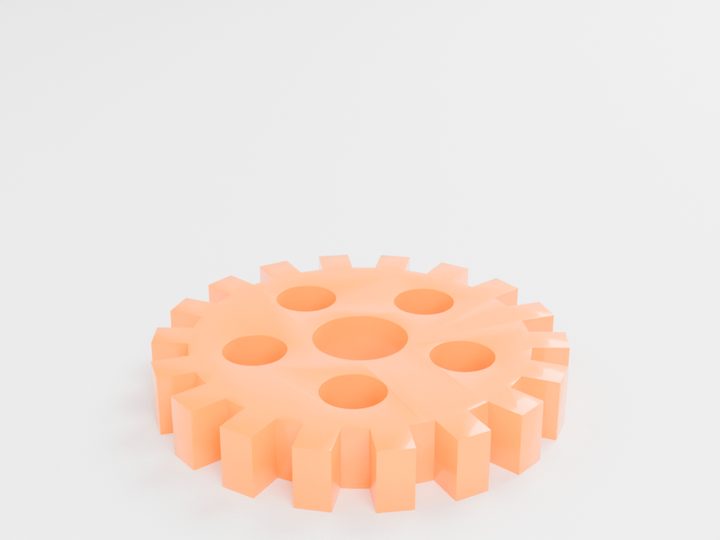
Typical starting prices for the pictured parts. Your exact price is calculated from your own file.
The fastest way to compare is to upload your file and see CNC and 3D printing prices side by side.
Questions people ask
Is ±0.05 mm a tight tolerance?
For CNC machining, ±0.05 mm is a standard tolerance that MakeNow holds by default. For 3D printing or sheet metal it would be very tight, and usually needs machining after printing or cutting.
What is the tightest tolerance MakeNow can hold?
CNC milling can hold ±0.02 mm on request for critical features. Mention it on your drawing so the right setup and inspection are planned.
Do I need a drawing if I upload a STEP file?
Not for standard tolerances. Add a simple drawing when some features need tighter tolerances, threads, fits or a specific finish.
What does ISO 2768 mean?
ISO 2768 is a general tolerance standard. Writing ISO 2768-m on a drawing sets a medium default tolerance for every dimension that has no specific tolerance.
Ready to make your part?
Upload your file. Price in under a minute. No account needed.
Get my instant quoteSTL · STEP · OBJ · 3MF · DXF · SVG · up to 100 MB