STL vs STEP: which file should you send for 3D printing, CNC and sheet metal?
Quick answer
Send STEP whenever you can. STEP keeps the exact geometry of your part, so it works for 3D printing, CNC machining and sheet metal. STL is fine for 3D printing only, because it stores your part as a mesh of triangles, which is enough for a printer but not for a machinist. Use DXF or SVG for flat laser-cut parts. The MakeNow quote tool accepts STL, OBJ, STEP, 3MF, DXF and SVG up to 100 MB, so you can upload what you have and see the price in under a minute.
Get a price for your own file →What is the difference between STL and STEP?
The short version: STL is a mesh, STEP is a solid. They describe the same part in very different ways, and that difference decides which processes can use them.
An STL file approximates every surface of your part with small flat triangles. A cylinder becomes a polygon with many facets. The file has no units, no idea what a hole or a fillet is, and no exact radius anywhere. It only knows where the triangles are.
A STEP file (.step or .stp) stores real geometry: true circles, true planes, exact radii and faces that know they belong to a hole or a boss. It is the neutral exchange format that almost every CAD program can write and read, so it keeps your design intent when it moves from your software to ours.
In practice, this means a STEP file can always be turned into a good STL, but an STL can never be turned back into an accurate STEP. Once the geometry has been cut into triangles, the exact shape is gone.
Which file format should I send for each process?
Use this table as a quick rule. If you are not sure, send STEP for 3D parts and DXF for flat parts.
| Process | Best file | Also accepted | Avoid |
|---|---|---|---|
| 3D printing (FDM, SLA, SLS, MJF) | STEP or 3MF | STL, OBJ | Very coarse STL exports |
| CNC milling and turning | STEP | STL (quote only, not ideal) | STL for tight tolerances |
| Sheet metal (bent parts) | STEP | DXF of the flat pattern | STL |
| Laser cutting (flat parts) | DXF | SVG | Raster images (PNG, JPG) |
For 3D printing, the printer slices your part into layers anyway, so a mesh is enough. For CNC machining, the machinist programs toolpaths on real faces and edges, so STEP is the right choice. For sheet metal, a STEP of the bent part shows bends, flanges and thickness clearly, while a DXF only shows the flat outline.
When is STL good enough for 3D printing?
STL is still the most common file in 3D printing, and for most printed parts it works well. It is good enough when:
- Your part is organic or sculpted, such as a figurine, a scan or a topology-optimized shape.
- Your design comes from a mesh tool (Blender, ZBrush, a 3D scanner) that cannot export STEP.
- Your tolerances are within the normal range of the printing process you picked.
The catch is export resolution. A coarse STL turns round holes into visible polygons, and the printer will faithfully print those flats. When you export, choose a fine setting: a small chord deviation and a small angle tolerance. A common mistake is exporting with default settings and wondering why a 5 mm hole prints slightly faceted and tight.
Also check units. STL has no units, so a part designed in inches can arrive 25.4 times too small if it is read as millimeters. The MakeNow quote tool shows the part size right after upload, so check the bounding box before you order.
Why do CNC shops ask for STEP files?
A CNC programmer selects faces, holes and edges to create toolpaths. With a STEP file, a hole is a real cylinder with an exact diameter, so the right drill or end mill can be chosen and the size can be checked against your tolerance.
With an STL, a 10 mm hole is a ring of triangles. Nobody can tell whether you meant 10.00 mm or 9.98 mm, and the feature cannot be selected cleanly. That is a real problem when MakeNow machines to ±0.05 mm as standard and ±0.02 mm on request.
If a feature needs a tolerance, a thread or a specific finish, add a simple 2D drawing (PDF) next to your STEP. The STEP gives the shape, the drawing gives the requirements. You can read more about what those numbers mean in our tolerances guide.
What about OBJ, 3MF, DXF and SVG?
The quote tool accepts six formats. Here is where the other four fit.
OBJ
OBJ is a mesh format like STL. It can carry color and texture data, which is why it is popular in scanning and 3D graphics. For manufacturing, treat it like an STL: fine for printing, not for machining.
3MF
3MF is the modern replacement for STL in 3D printing. It is still a mesh, but it stores units, so the scale problem disappears, and it packs the model into a smaller, cleaner file. If your software offers 3MF, it is a better choice than STL for printed parts.
DXF
DXF is a 2D drawing format. It is the standard file for laser cutting and for the flat pattern of a sheet metal part. Draw at 1:1 scale, in millimeters, with closed outlines and no duplicate lines. Remove title blocks and dimensions from the cutting layer, or they may be read as cut lines.
SVG
SVG is a vector format from design tools such as Illustrator or Inkscape. It works well for laser-cut panels, signage and engraving. Convert all text to outlines before export, and check the document scale so your part is not cut at the wrong size.
How do I export a clean file from my CAD software?
A few habits will save you a revision loop:
- Export one part per file when parts are made in different materials or processes. An assembly in one file is harder to quote.
- Use STEP AP214 or AP242 if your software asks. Both are widely supported.
- Check for a closed, solid body. Open surfaces or gaps in a mesh cannot be printed or priced correctly.
- Model the real size. Do not scale parts after export. Design in millimeters if you can.
- Model threads as plain holes at the tap-drill size and mention the thread in a note or drawing. Modelled thread geometry adds file size and is not needed.
- Keep the file under 100 MB. If an STL is larger, reduce the triangle count slightly; you will rarely see a difference in the printed part.
If you only have a format the tool does not accept, contact us and an engineer will help convert it.
Does the file format change the price?
Not directly. The quoting engine reads the geometry from your file, then calculates price from volume, bounding box and geometry, plus the material, finish, quantity and lead time you pick. The same part sent as STEP or as a good STL will give a very similar 3D printing price.
The format matters more for accuracy than for cost. A STEP file lets the CNC price reflect the true features, and it avoids surprises such as a wrong scale or a faceted hole. As a reference, MakeNow 3D printing starts from $5 per part for FDM and $8 for SLA, CNC aluminum from $25 per part, and sheet metal in mild steel from $12 per part. The sample parts below show what real parts cost.
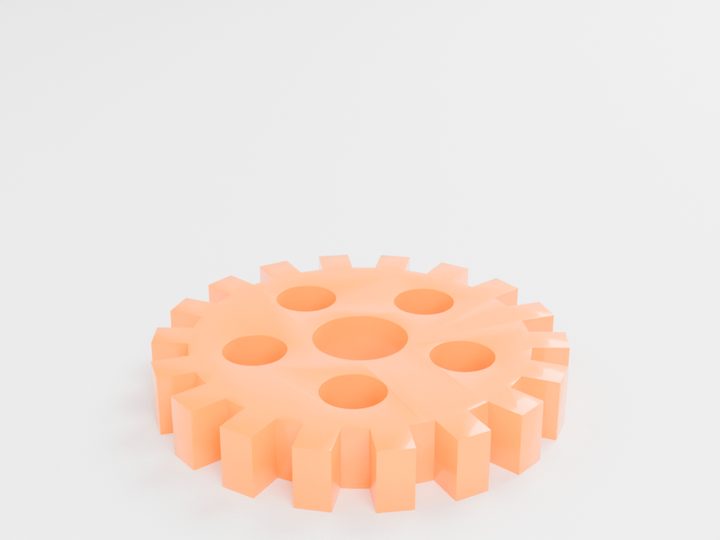
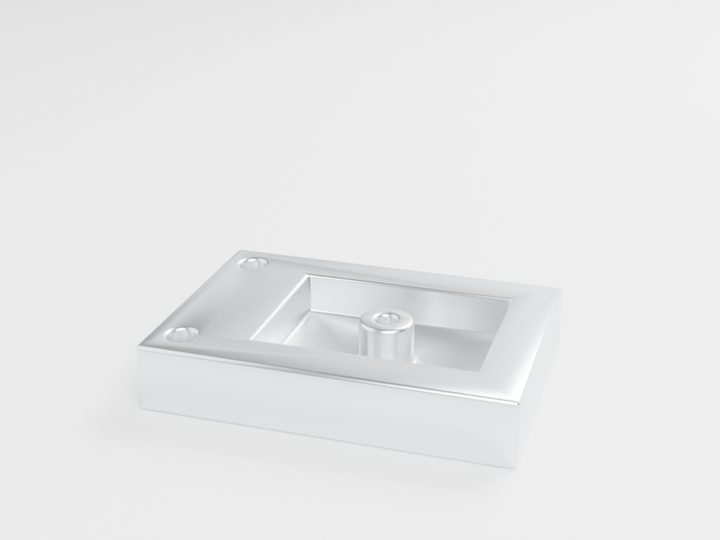
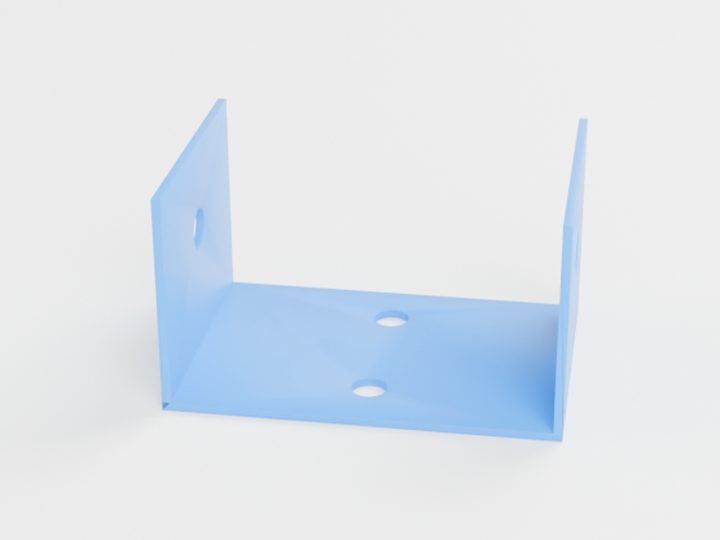
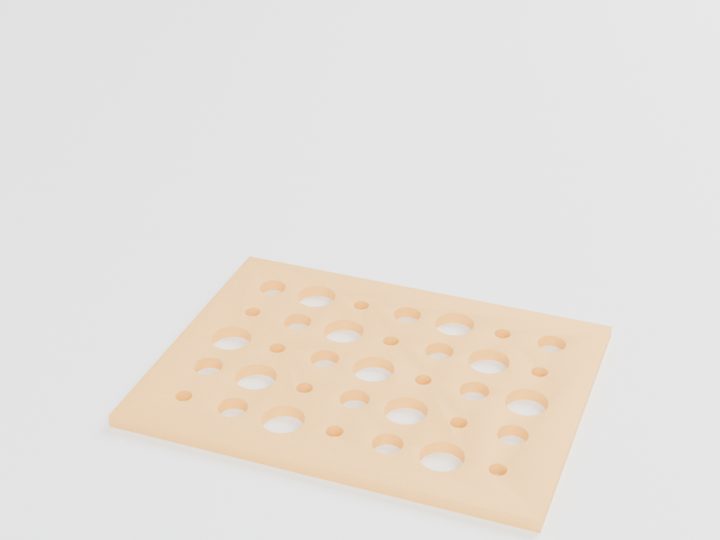
Typical starting prices for the pictured parts. Your exact price is calculated from your own file.
The fastest way to know your price is to upload your STEP or STL file and compare processes side by side.
Questions people ask
Can I convert an STL to a STEP file?
You can wrap an STL inside a STEP file, but it stays a mesh made of triangles. It does not recover true circles or exact faces, so it does not help a CNC machinist. Export a real STEP from the original CAD model instead.
Is 3MF better than STL?
For 3D printing, usually yes. 3MF stores units and is more compact, so scale errors disappear. Both are meshes, so neither is suitable for precise CNC work.
What file do I need for laser cutting?
Send a DXF or SVG drawn at 1:1 scale with closed outlines. Convert text to outlines and remove dimensions or title blocks from the cut layer.
What is the maximum file size I can upload?
The MakeNow quote tool accepts STL, OBJ, STEP, 3MF, DXF and SVG files up to 100 MB. If your file is larger, reduce the mesh density or contact us for help.
Ready to make your part?
Upload your file. Price in under a minute. No account needed.
Get my instant quoteSTL · STEP · OBJ · 3MF · DXF · SVG · up to 100 MB