3D printing design guide: wall thickness, holes, overhangs and clearances
Quick answer
As a safe starting point, design walls of at least 1.2 mm for FDM, 1 mm for SLA, and 1 mm for SLS and MJF. Keep holes at 2 mm or larger for FDM and about 1 mm or larger for resin and nylon. FDM needs supports under overhangs flatter than about 45°, SLA needs supports too, and SLS and MJF need none. For parts that slide or snap together, leave a clearance of roughly 0.3 to 0.5 mm per side for FDM, SLS and MJF, and about 0.2 mm for SLA.
Get a price for your own file →Why do design rules change with each 3D printing technology?
Each technology builds parts in a different way, so each one fails in a different way. FDM pushes melted plastic through a nozzle, so the nozzle width sets the thinnest wall it can draw. SLA cures liquid resin with light, so it resolves very fine detail but needs supports and can warp thin, flat areas. SLS and MJF fuse nylon powder, so the loose powder supports the part, but heat makes very thin walls weak and slightly oversize.
That is why one number never fits all. The values below are practical guidelines I use when checking a file. They are conservative on purpose: a part that follows them prints well the first time. You can go thinner in small areas, but expect more risk.
If you have not picked a technology yet, start with our 3D printing overview or the FDM vs SLA comparison.
What are the design rules for FDM, SLA, SLS and MJF?
Keep this table open while you model. All values are recommended minimums in millimeters.
| Rule | FDM | SLA | SLS | MJF |
|---|---|---|---|---|
| Supported wall | 1.2 mm | 0.6 mm | 0.8 mm | 0.6 mm |
| Unsupported or tall wall | 1.2 mm+ | 1.0 mm | 1.0 mm | 1.0 mm |
| Minimum hole diameter | 2 mm | 1 mm | 1.5 mm | 1 mm |
| Overhang without support | 45° from vertical | Supports needed | No supports | No supports |
| Clearance between moving parts | 0.4 mm | 0.2 mm | 0.5 mm | 0.4 mm |
| Minimum embossed or engraved detail | 0.6 mm | 0.3 mm | 0.5 mm | 0.5 mm |
| Typical tolerance (MakeNow) | ±0.5% (min ±0.5 mm) | ±0.2% (min ±0.1 mm) | ±0.3% (min ±0.3 mm) | ±0.3% (min ±0.2 mm) |
The tolerance row comes straight from our process specifications. It tells you how close to your CAD dimension a printed feature will usually land, which is why clearances must be larger than the tolerance.
How thick should walls be in a 3D printed part?
Wall thickness is the rule that causes the most failed prints. A wall that is too thin may not print at all, may break when supports or powder are removed, or may warp.
A supported wall is joined to other walls on at least two sides, like the side of a box. An unsupported wall stands on its own, like a thin fin or tab. Unsupported walls need more thickness because nothing holds them straight during printing and cooling.
For FDM, think in nozzle widths. A common nozzle draws lines around 0.4 mm wide, so a 1.2 mm wall is three lines and prints solid and strong. A 0.5 mm wall is just one wobbly line.
Also keep wall thickness even. A thick block joined to a thin wall cools unevenly and can warp or sink, especially in SLS and MJF. If you need a thick section, consider hollowing or ribbing it. In practice, a 2 to 3 mm wall with a few ribs is stiffer and cheaper than a solid block.
How small can holes and pins be?
Small holes tend to print undersize. In FDM, the first layers squash outward; in resin, light bleeds slightly into the hole; in powder processes, nearby powder sticks to the walls. The result is the same: a 2 mm hole may come out closer to 1.8 mm.
- Precise holes: print them slightly undersize and drill or ream to final size. This is the most reliable way to hit a press fit.
- Vertical vs horizontal: in FDM, holes printed vertically (axis pointing up) are rounder than holes lying sideways.
- Pins: keep printed pins at 2 mm diameter or more for FDM and 1 mm or more for SLA, SLS and MJF, and add a small fillet at the base.
- Threads: fine threads below about M6 rarely print well. Use threaded inserts, which MakeNow can install as a post-processing option, or tap the hole after printing.
How do overhangs and supports affect my design?
An overhang is any surface that prints over empty space. FDM can bridge short gaps and print slopes down to about 45° from vertical without supports. Flatter than that, it needs supports, which leave marks where they are removed.
SLA always prints with supports. Plan where the support marks can go, usually on a hidden face, and avoid large flat areas facing the build plate, which can peel. Small chamfers instead of flat overhangs help in both FDM and SLA.
SLS and MJF need no supports at all, because the unfused powder holds the part. That is why they suit complex ducts, lattices and assemblies printed in one piece. The one rule: add escape holes of a few millimeters to hollow sections so the powder can be removed. The same applies to hollow SLA parts, which need drain holes for uncured resin.
Orientation matters too, especially for FDM. Layers bond less strongly to each other than plastic does along a single line, so an FDM part is weakest when pulled apart across its layers. If a clip or tab will carry load, tell us how it is loaded, or design it so the load runs along the layers. MJF parts are much closer to equal strength in every direction, which is one reason they suit functional end-use parts. Resin parts sit in between, but standard resins are more brittle, so thin load-bearing features are better in Tough resin or nylon.
What clearance do moving parts and snap fits need?
Clearance is the gap you leave between two parts that must slide, rotate or fit together. Too small and the parts fuse or jam; too large and they rattle.
- Separate printed parts: start with 0.2 mm per side for SLA and 0.3 to 0.5 mm per side for FDM, SLS and MJF.
- Print-in-place hinges and joints: SLS and MJF can print moving assemblies in one go, but give them at least 0.5 mm of clearance so powder can be cleaned out.
- Snap fits: nylon (PA12 or PA11) on SLS and MJF is the best choice because it bends without cracking. Brittle standard resin snaps tend to break; use Tough resin if you need SLA.
- Living hinges: PA11 is the most forgiving material. Keep the hinge thin, around 0.5 to 0.8 mm, and short.
A common mistake is designing the clearance to zero in CAD because the parts "should fit". Printed parts are never exactly the CAD size, as the tolerance row in the table shows.
How does design affect the price of a 3D printed part?
The MakeNow quoting engine calculates price from your model's volume, bounding box and geometry, then adds material, finish, quantity and lead time. Good design lowers several of these at once:
- Less material: hollow or rib thick sections instead of printing solid blocks.
- Smaller bounding box: a compact part takes less build space, which matters most in SLS and MJF.
- Fewer supports: in FDM and SLA, self-supporting angles save material and finishing time.
Starting prices are from $5 per part for FDM, $8 for SLA, $9 for MJF and $10 for SLS. Here are real sample parts and their prices:
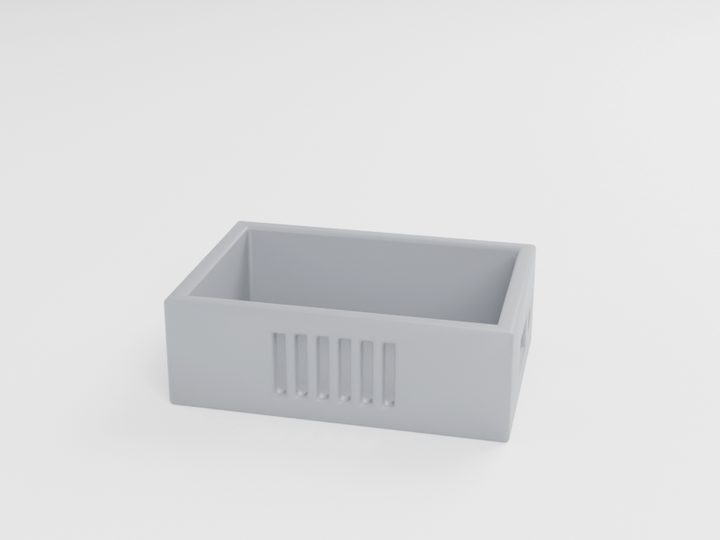
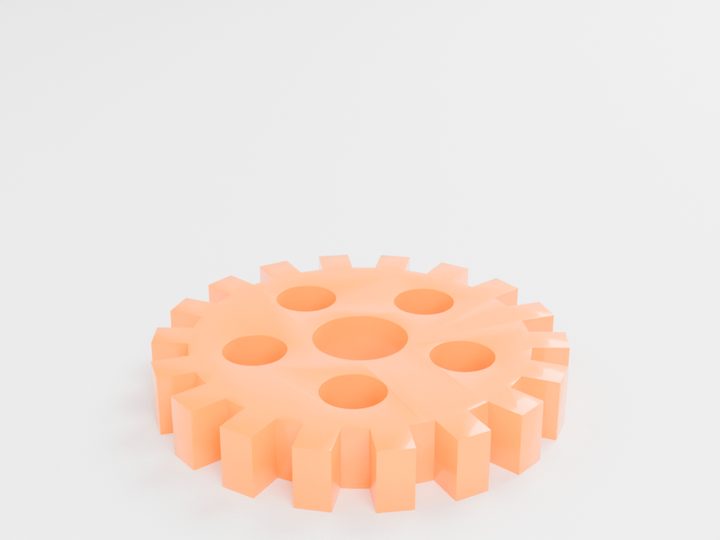
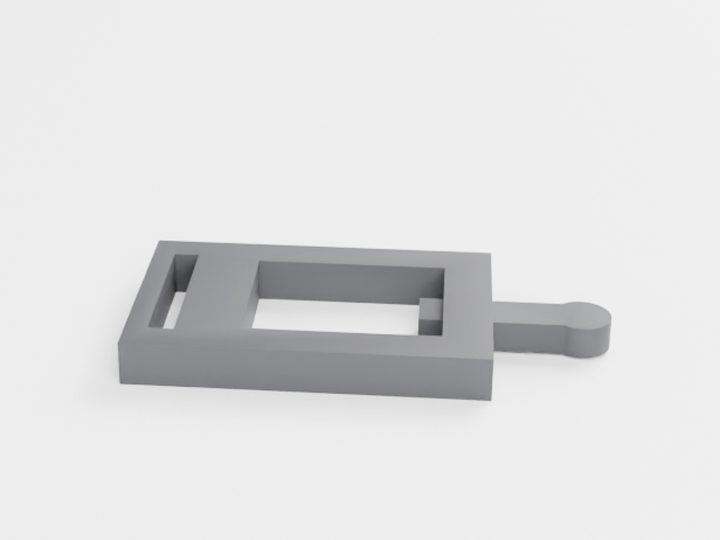
Typical starting prices for the pictured parts. Your exact price is calculated from your own file.
For more on what drives cost, read our 3D printing cost guide. Or simply upload your file to compare FDM, SLA, SLS and MJF prices side by side in under a minute.
Questions people ask
What is the minimum wall thickness for 3D printing?
It depends on the technology. As a safe rule, use 1.2 mm for FDM and about 1 mm for SLA, SLS and MJF. Supported walls in resin or MJF can go down to about 0.6 mm.
Do SLS and MJF parts need support structures?
No. The unfused powder supports the part during printing. You only need escape holes in hollow sections so the powder can be removed.
What clearance should I leave between two 3D printed parts?
Start with about 0.2 mm per side for SLA and 0.3 to 0.5 mm per side for FDM, SLS and MJF. Use the larger value for print-in-place moving parts.
Can I 3D print threads?
Large threads print fine, but small threads below about M6 are unreliable. Threaded inserts or tapping after printing give a stronger, more accurate result.
Ready to make your part?
Upload your file. Price in under a minute. No account needed.
Get my instant quoteSTL · STEP · OBJ · 3MF · DXF · SVG · up to 100 MB